NavSend
Send an address—or several—from your Mac to your Tesla, so the car can start navigating without unlocking your phone.

Why NavSend
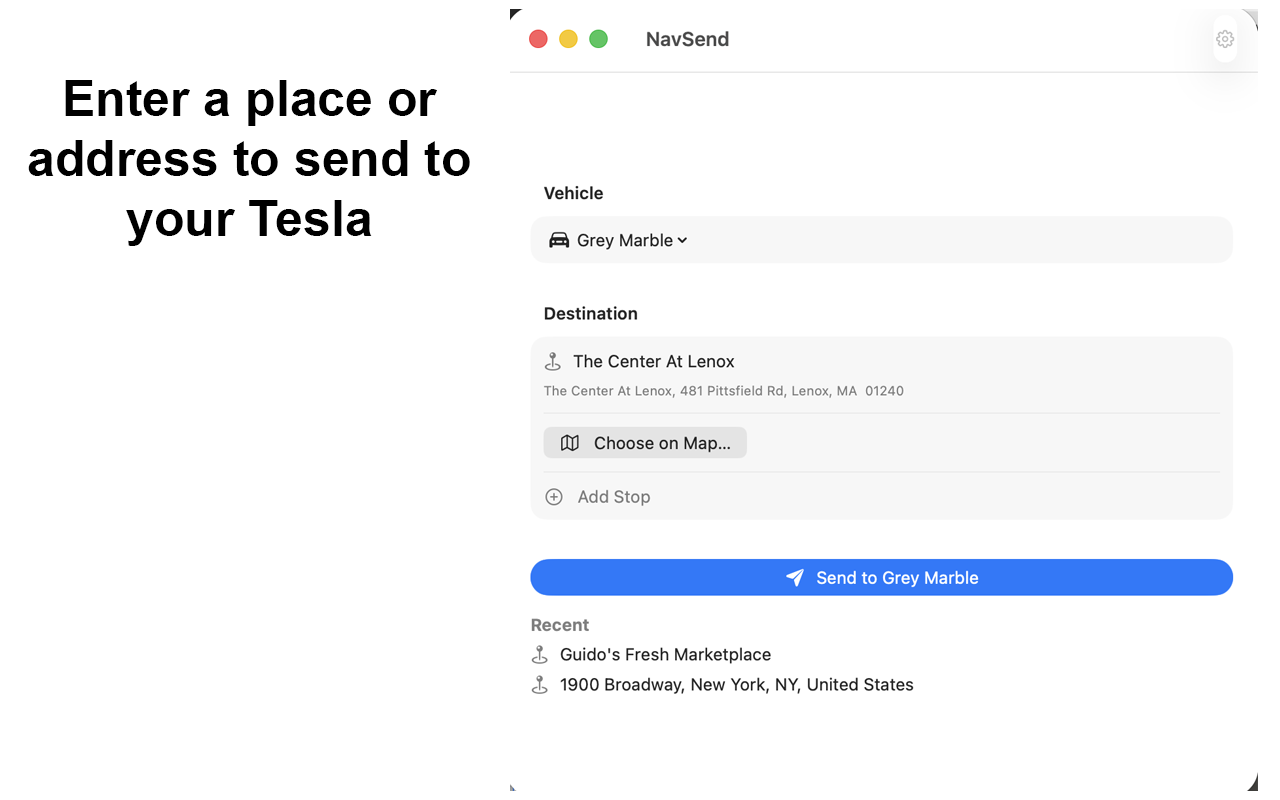
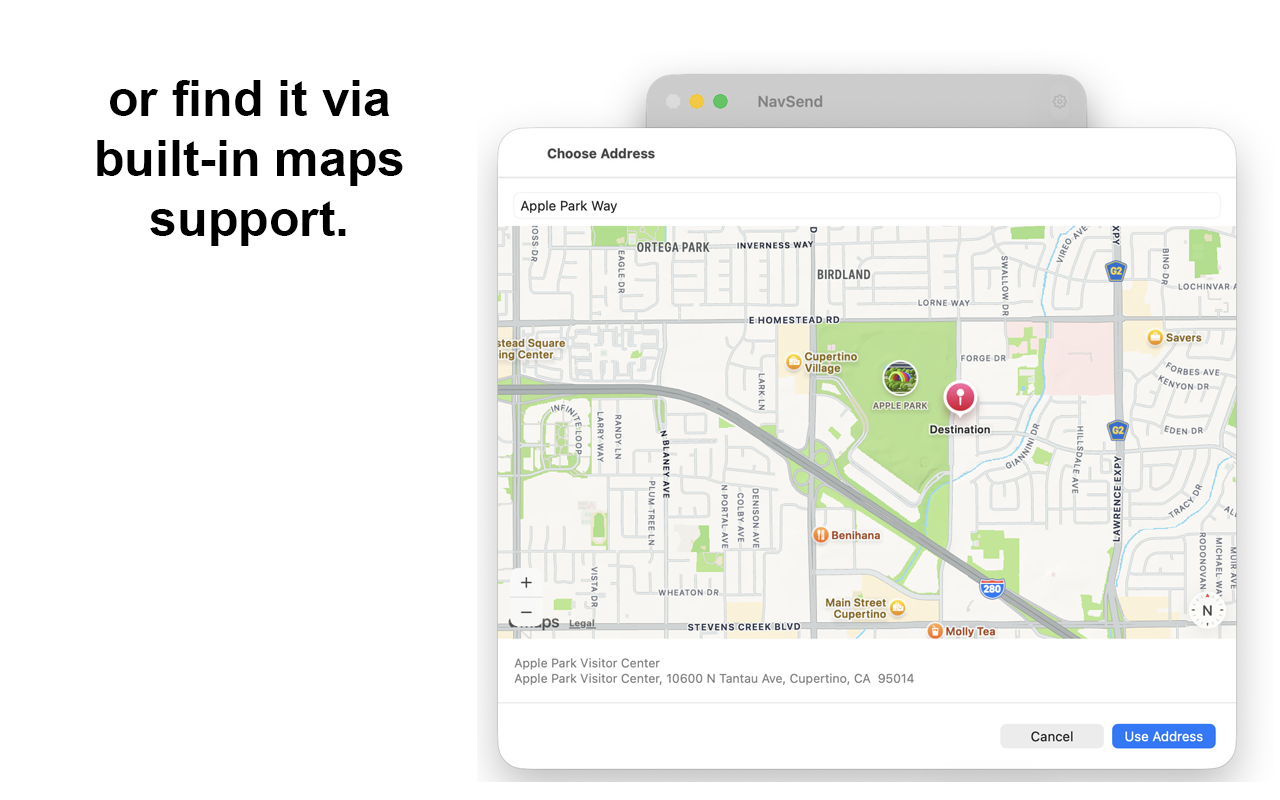
Type it or pick it on the map
Enter a street address or place name, or choose a destination with built-in maps. Suggestions show the name and the address.
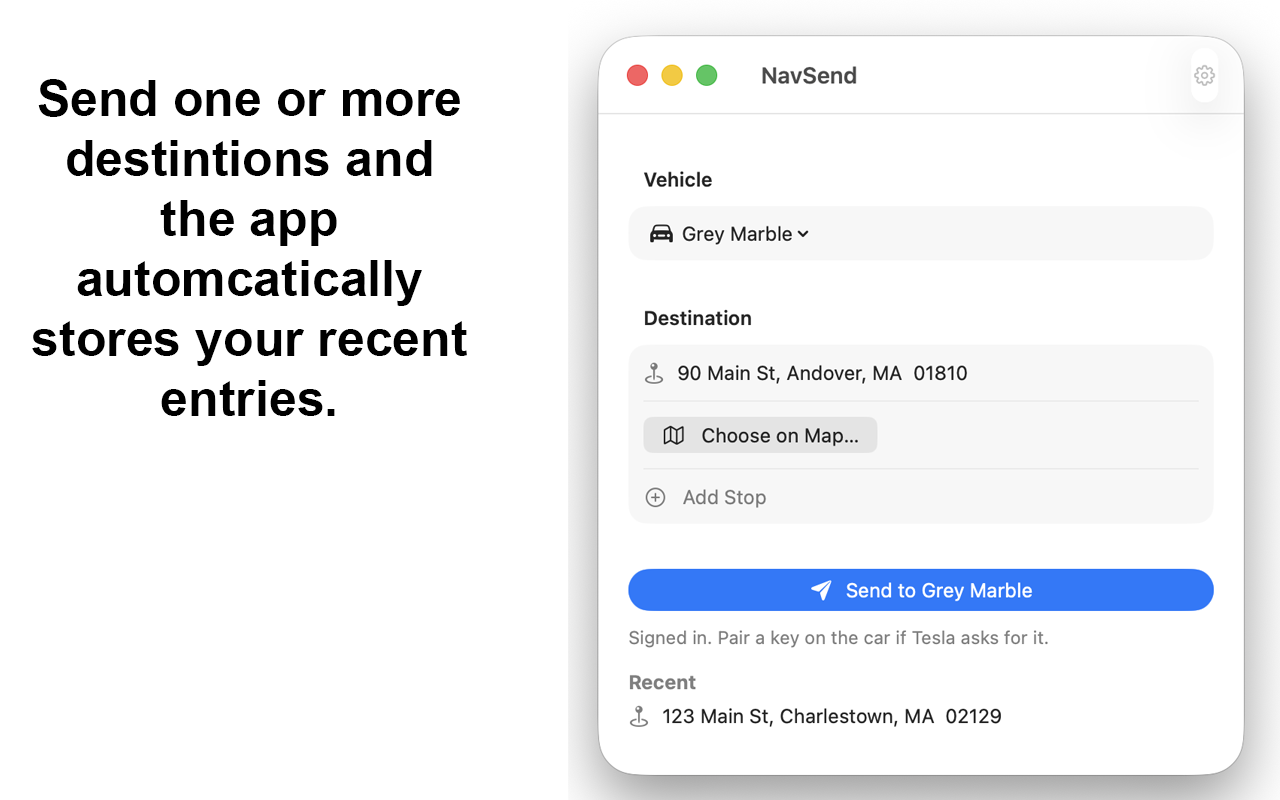
One stop or several
Send a single destination, or add stops for a multi-stop route. Recent places are saved so you can send them again.
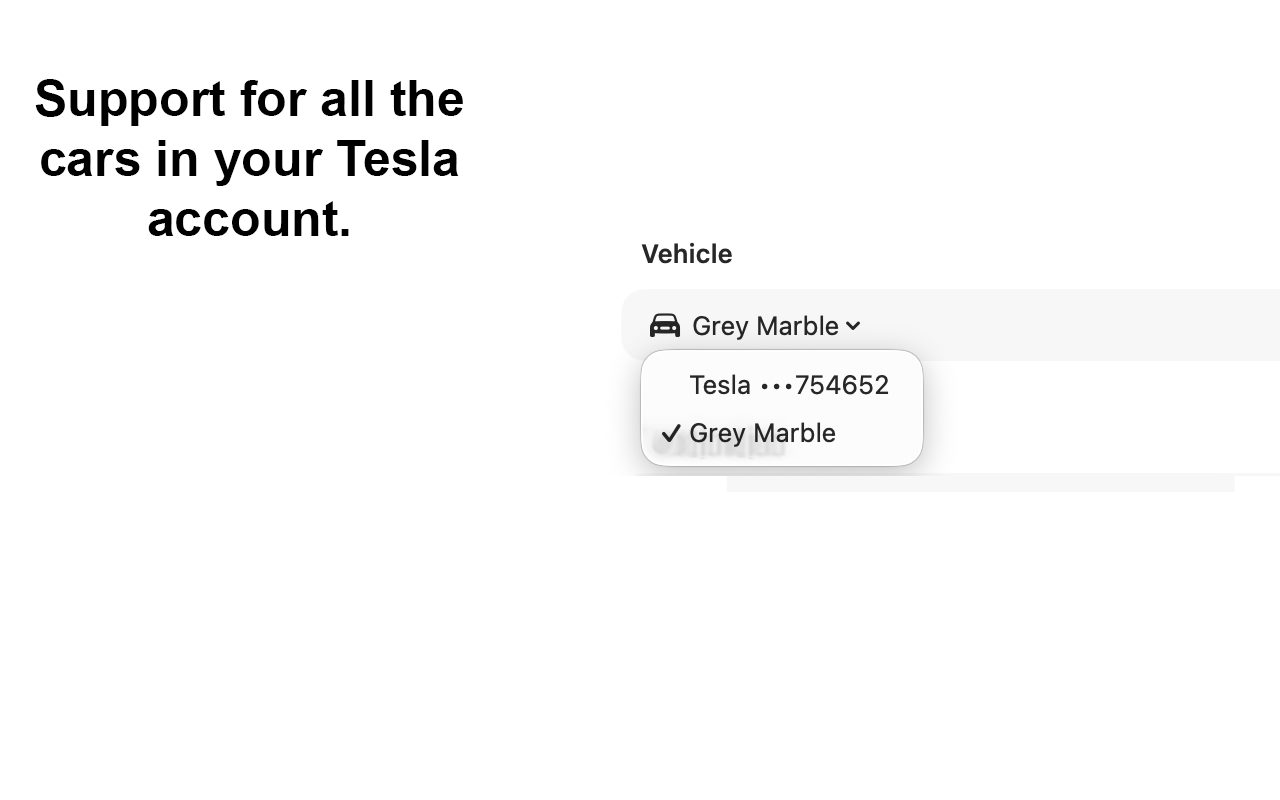
Your Tesla account
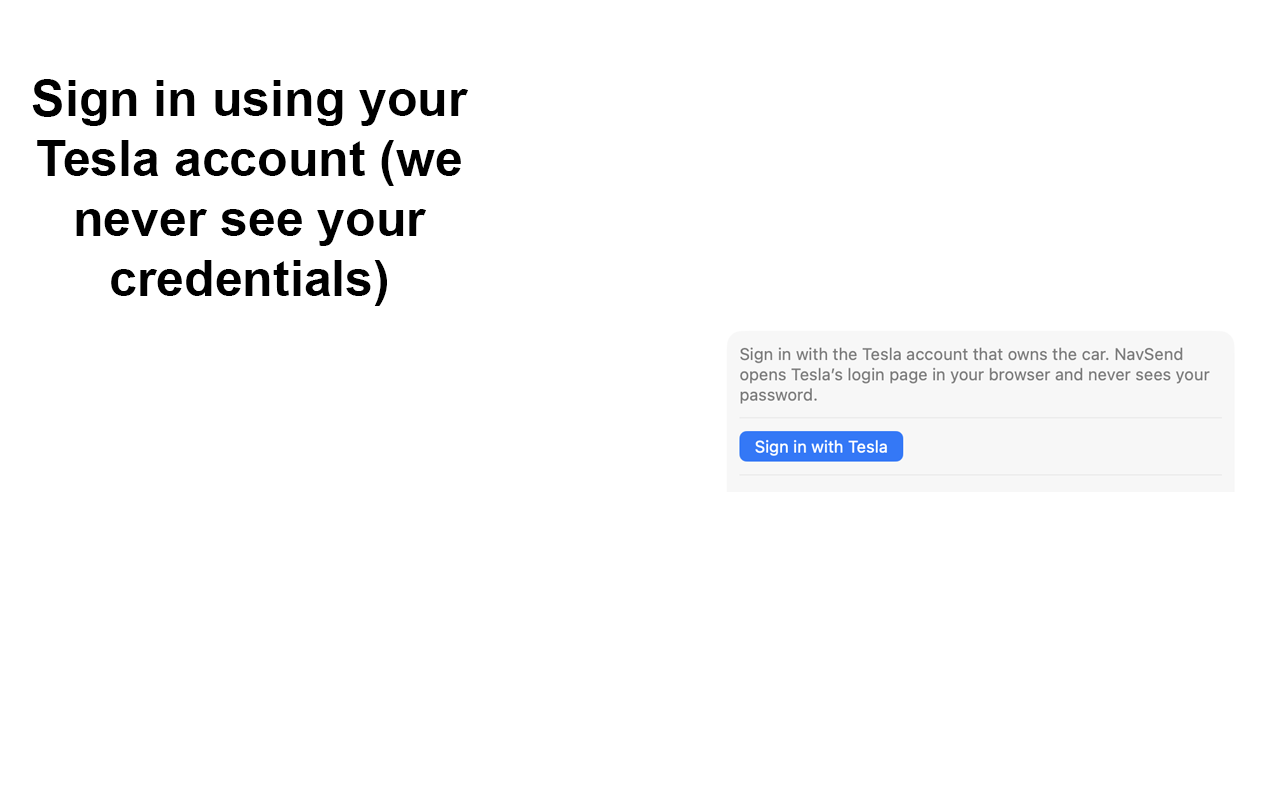
Sign in through Tesla's login page in your browser. NavSend never sees your password. Choose any vehicle on the account.
Screenshots
Send a place, sign in through Tesla, add stops, pick an address on the map, and choose which car.
NavSend is an independent app and is not affiliated with Tesla, Inc. After you sign in, Tesla may ask you to add NavSend as a key and approve it in the vehicle.